1
Download the installation package
Click the download button above to get the Potato Windows installation package.

The Potato client for Windows desktop keeps your messages, groups, and calls flowing naturally on your computer.
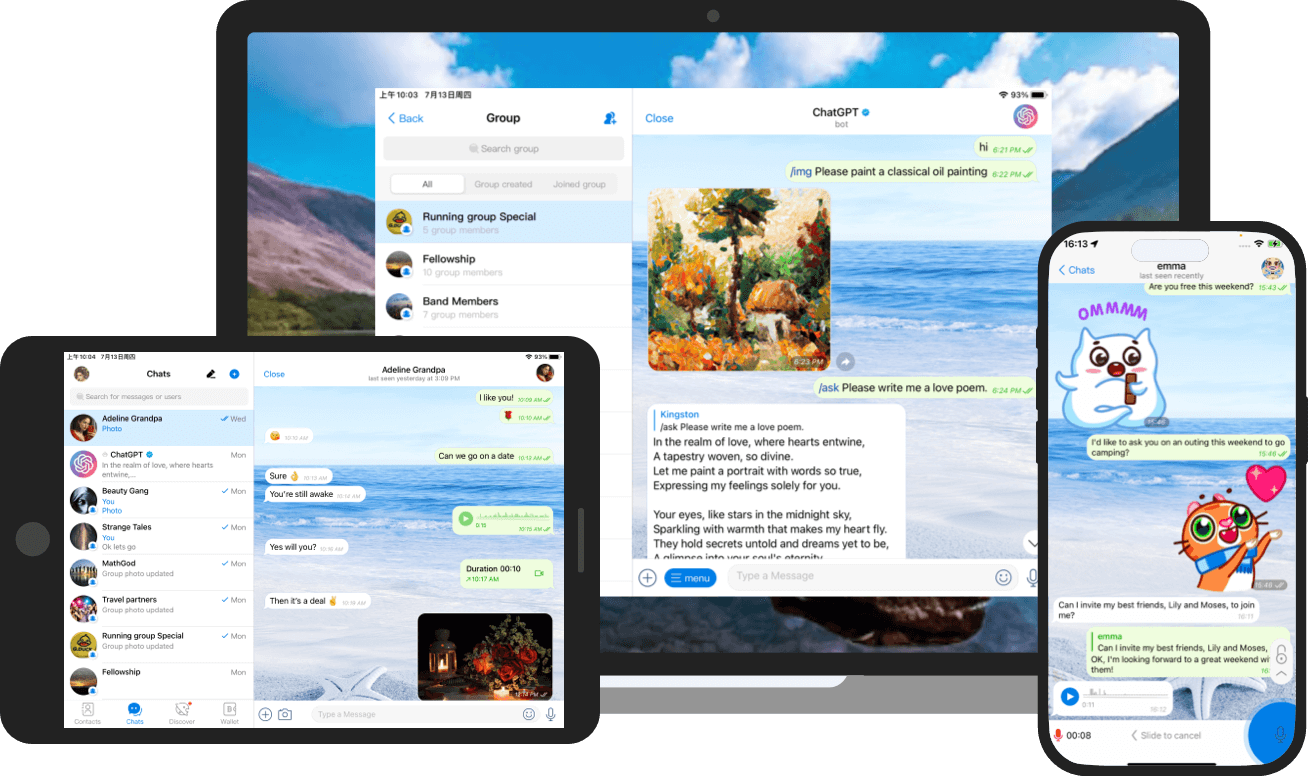
After the download is complete, follow the three steps below to start using it.
Click the download button above to get the Potato Windows installation package.
Open the downloaded file and follow the system prompts to complete the client installation.
Open Potato, log in to your account, and start chatting and calling.
Desktop messaging experience supports secure communication, group communication and multi-device synchronization.
Download nowOne account to easily continue conversations on different devices.