1
Go to download page
Click the download entry above to open the Potato iPhone version download page.

Send and receive messages, calls, and fun content quickly, easily, and securely with Potato on your iPhone.
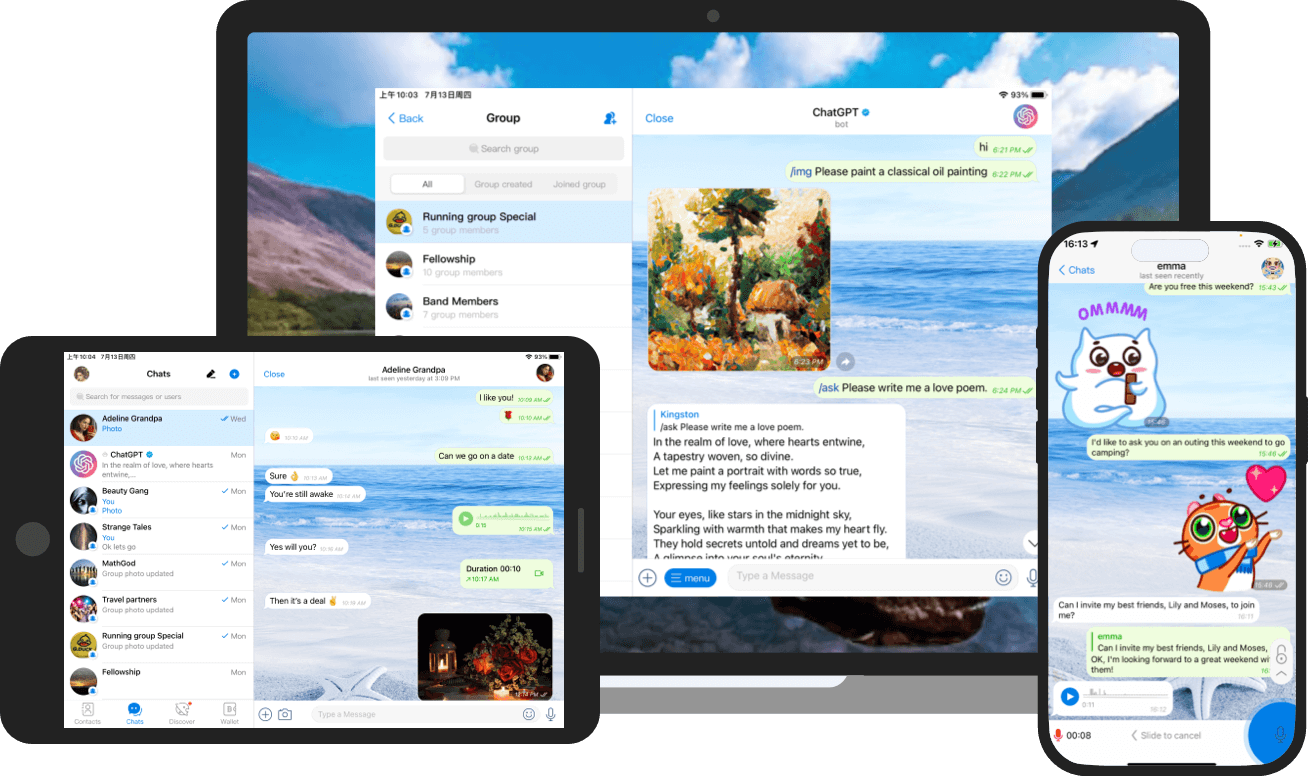
After going to the download page, follow the prompts on the page to complete the installation and log in.
Click the download entry above to open the Potato iPhone version download page.
Complete the client installation according to the download page and system prompts.
Open Potato and log in to continue your conversation.
Potato mobile client for iPhone.
Go to downloadQuickly learn how to download and use the iPhone client.